Organized passwords
Store logins, websites and notes in a place built for credentials.
 KPassword
 Local password manager for Windows
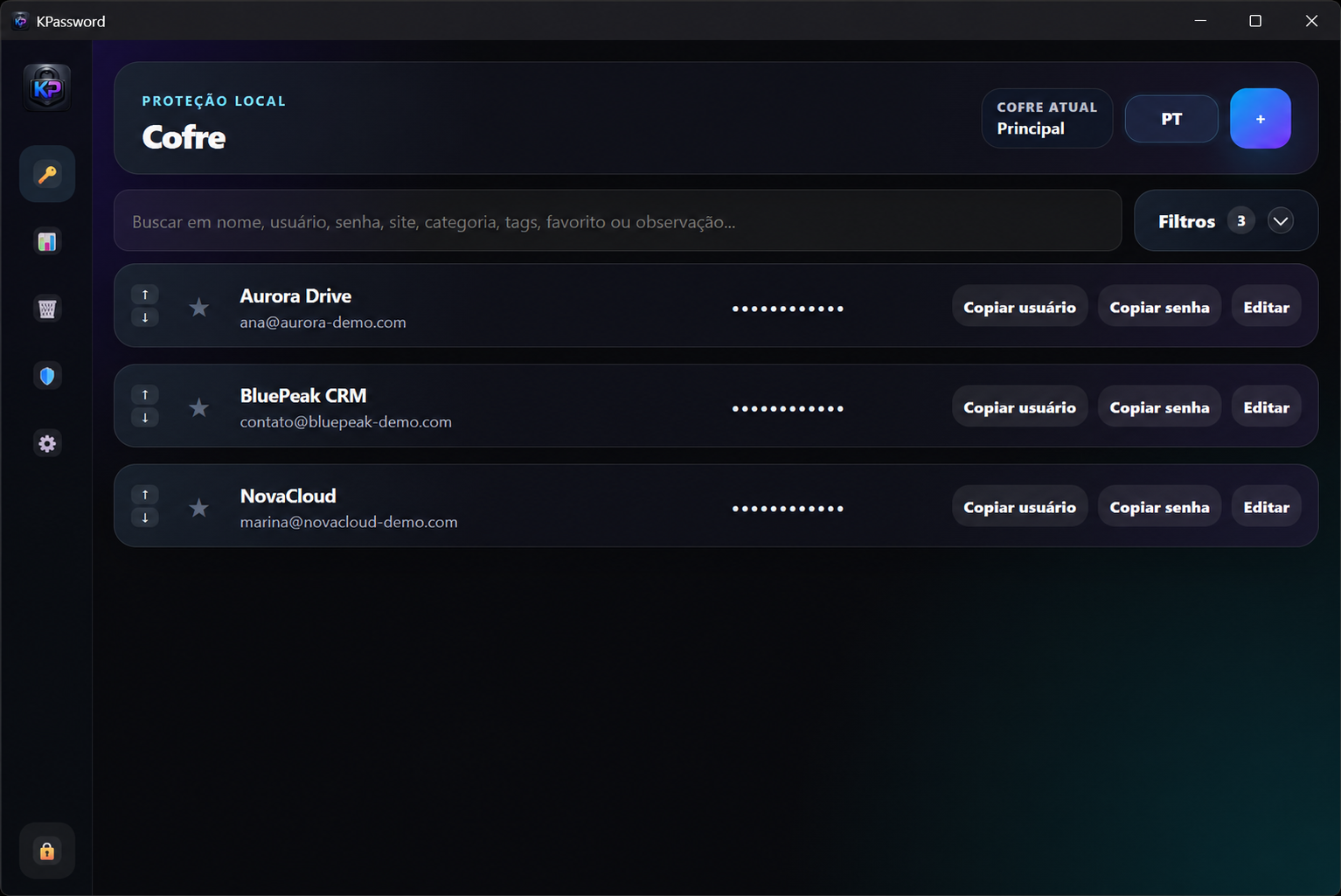
Store your passwords in a vault on your computer, without depending on a mandatory cloud.
Organize logins, copy them when needed and get alerts about weak or repeated passwords.
Why use it
Store logins, websites and notes in a place built for credentials.
Your data stays on Windows, without requiring an online account or mandatory cloud.
Warnings help you spot weak, repeated or old passwords.
How it works
Set your master password and keep the vault on your computer.
Add username, password, website and notes when needed.
Use usernames and passwords quickly when signing in to services.
Built for Windows, with a local vault and no mandatory cloud.